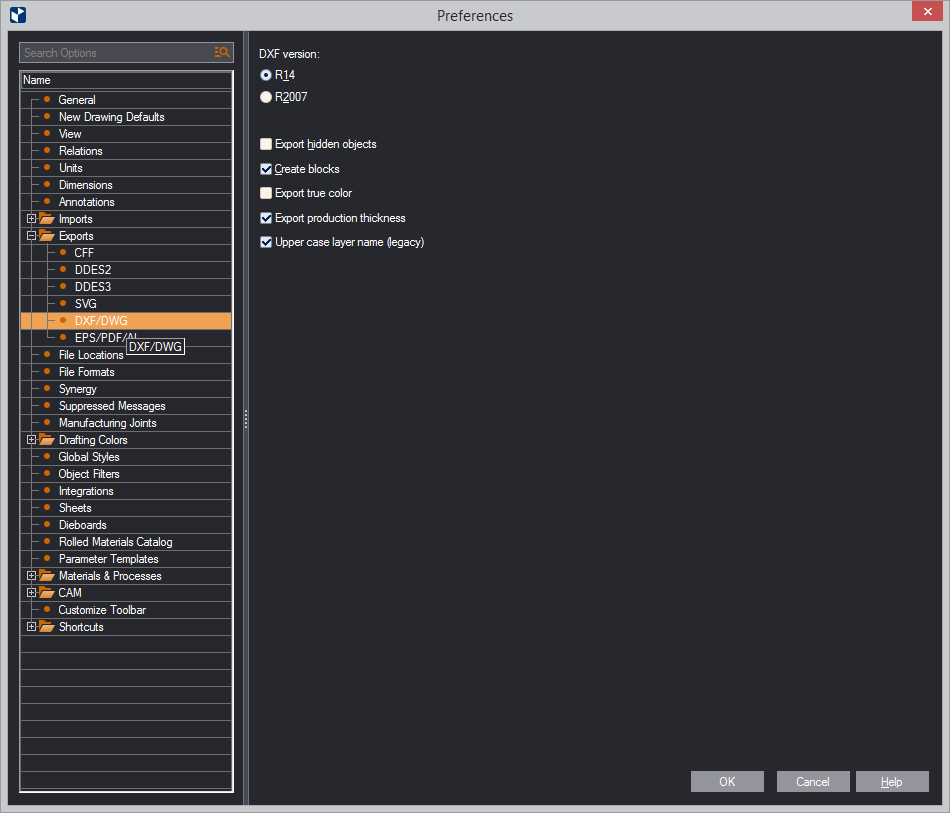
| DXF version | Select the AutoCAD version to which you want EngView to export files. |
|---|---|
| Export hidden objects | Exports hidden objects along with the drawing(s) into the .dxf file. |
| Create blocks | Creates DXF blocks in the exported .dxf file. |
| Export true color | Colors are exported according to the RGB display mode and not according to a color look-up table. |
| Export production thickness | Exports the thickness set for production purposes. IMPORTANT: By default, the check box is selected. Clear it if you plan to use the exported DXF/DWG drawings in Adobe Illustrator. This guarantees that no structural problems will arise when you open the exported drawings in Illustrator. |
| Upper case layer name | Select this check box to use uppercase names for the layers in the exported .dxf drawing. |