
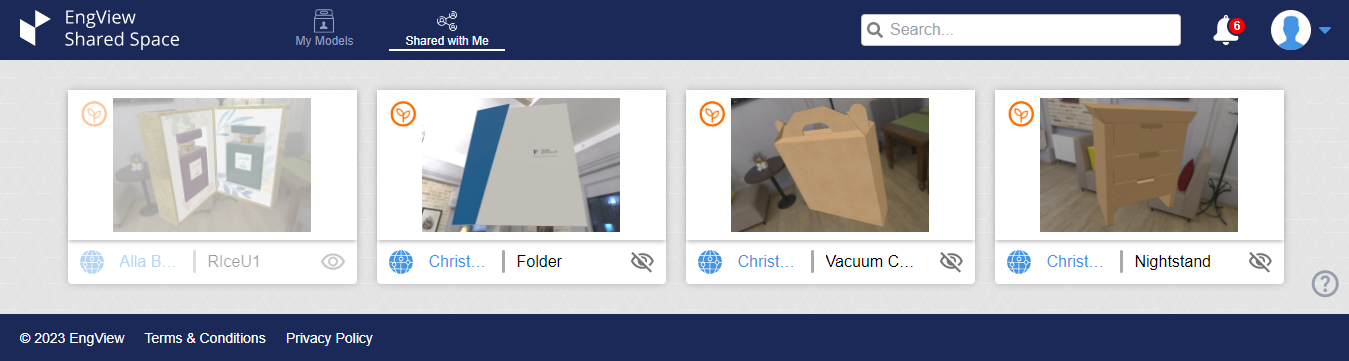
Using the View
In the view, you can:
- Click a model to view it.
- Click the Globe icon
 to open a sheet
box with information about the model.
to open a sheet
box with information about the model. - Click the Eye icon
 to hide or unhide the model. Hidden models do not appear in the list of models. To unhide all
hidden models, click your profile's icon
to hide or unhide the model. Hidden models do not appear in the list of models. To unhide all
hidden models, click your profile's icon  , and then select Show Hidden.
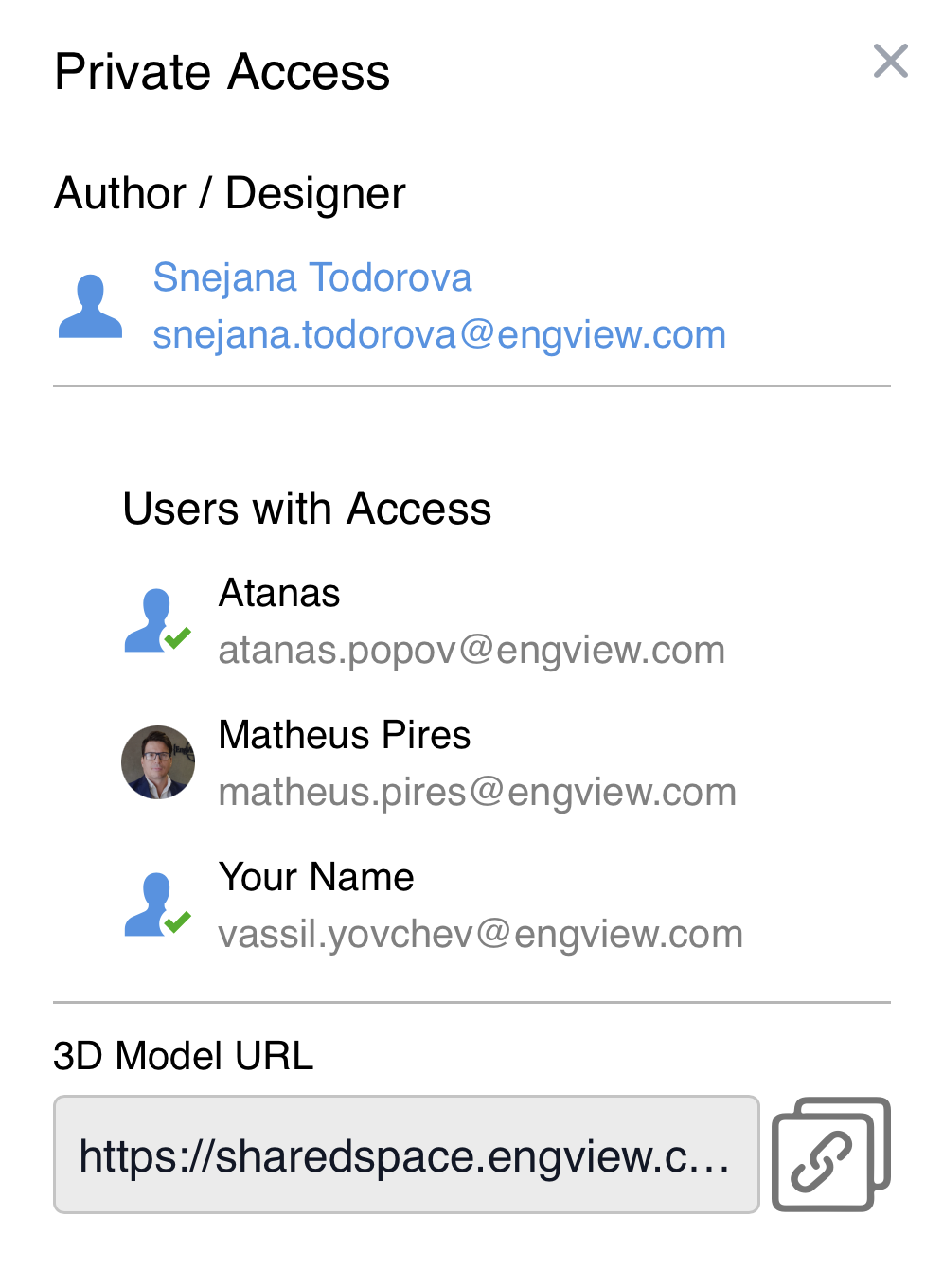
In the sheet box, you receive information about:
| Author / Designer | The user who uploaded the model to Shared Space. |
|---|---|
| Users with Access | The users who have been given authorization to view the model. |
| 3D Model URL | The model's unique URL, which you can send to other users. (To copy the URL, click the icon on the right.) |