| File |
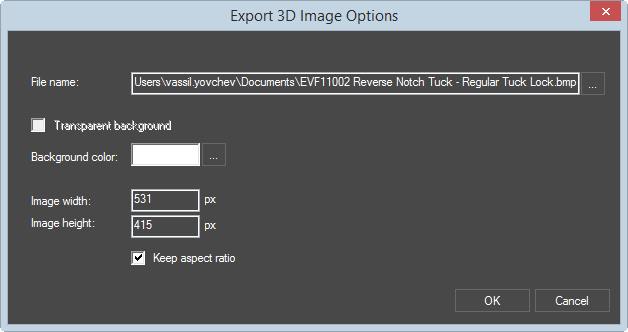
Click the browse button and select the directory into which
you want to save the exported file. |
| Transparent background |
This setting can be applied only to PNG files. |
| Background Color |
The color for the background of the exported file. |
| Image width/height |
Type values and select measurement units (pixels, current
globally set measurement units) for how large you want
the exported image to be. |
| Keep aspect ratio |
Guarantees that while typing a value in Image width
or Image height, the other will change accordingly,
preserving the original aspect ratio of the image. |